MANMEET SAGRI

← Back to Projects

Honey Harvest
Simulation

July 2025 - August 2025

Role: Software Designer and Developer

Tools: Java (Eclipse), Figma, Sketch.io

Honey Harvest is an interactive simulation I created for IAT 265: Multimedia Programming for Design. The project required incorporating meaningful user interactions, and my personal goal was to create something unique, fun, and engaging that reflected my creativity. I chose the concept of honey harvesting, designing an experience where players capture a queen bee, guide her to a hive, and eventually harvest honey.

This solo project involved original ideation, visual design, and full implementation in Java. The simulation features animated feedback, timed transitions, and interactive stages that guide users through each step of the process.

The Process…

Week 1

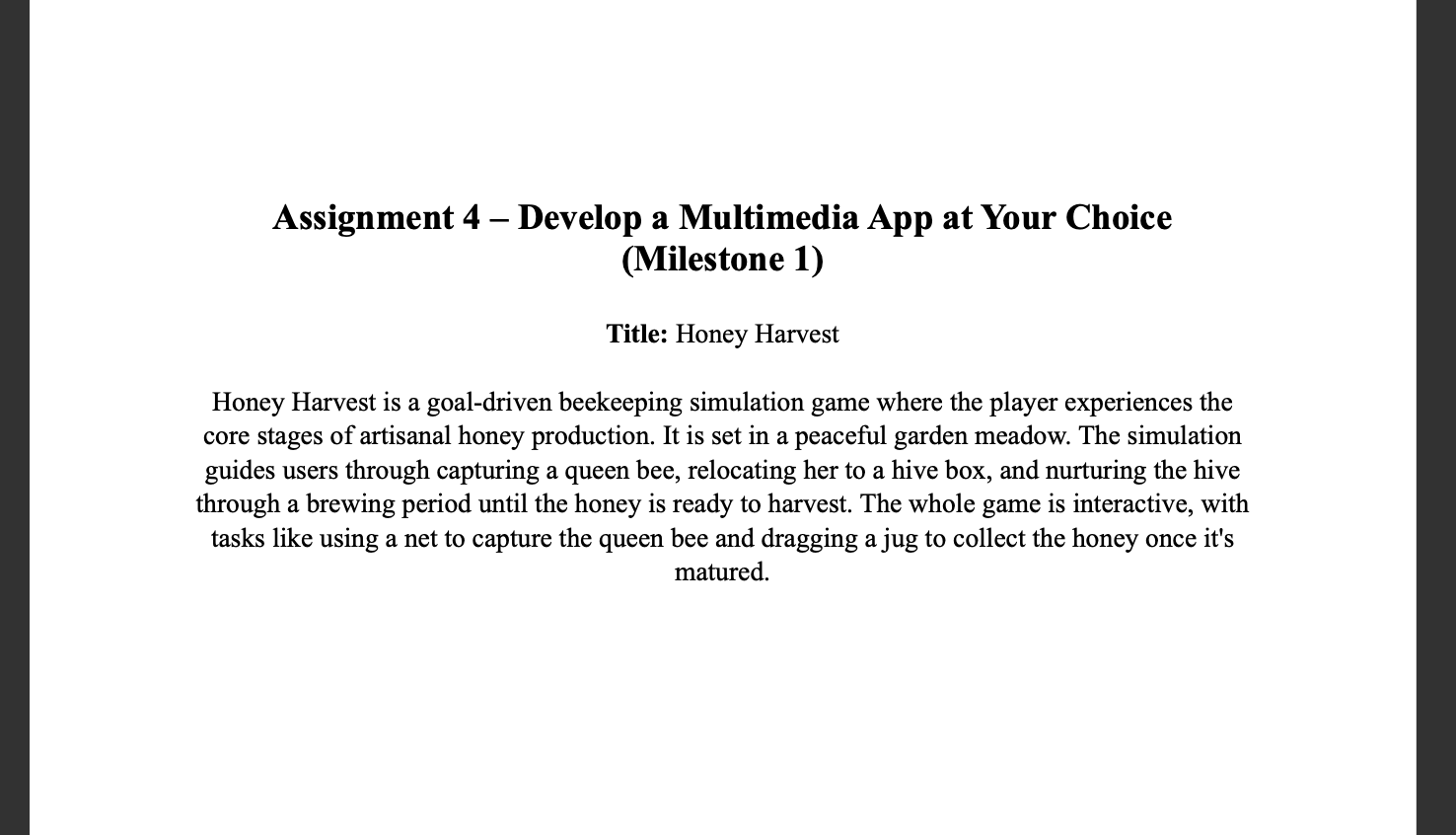
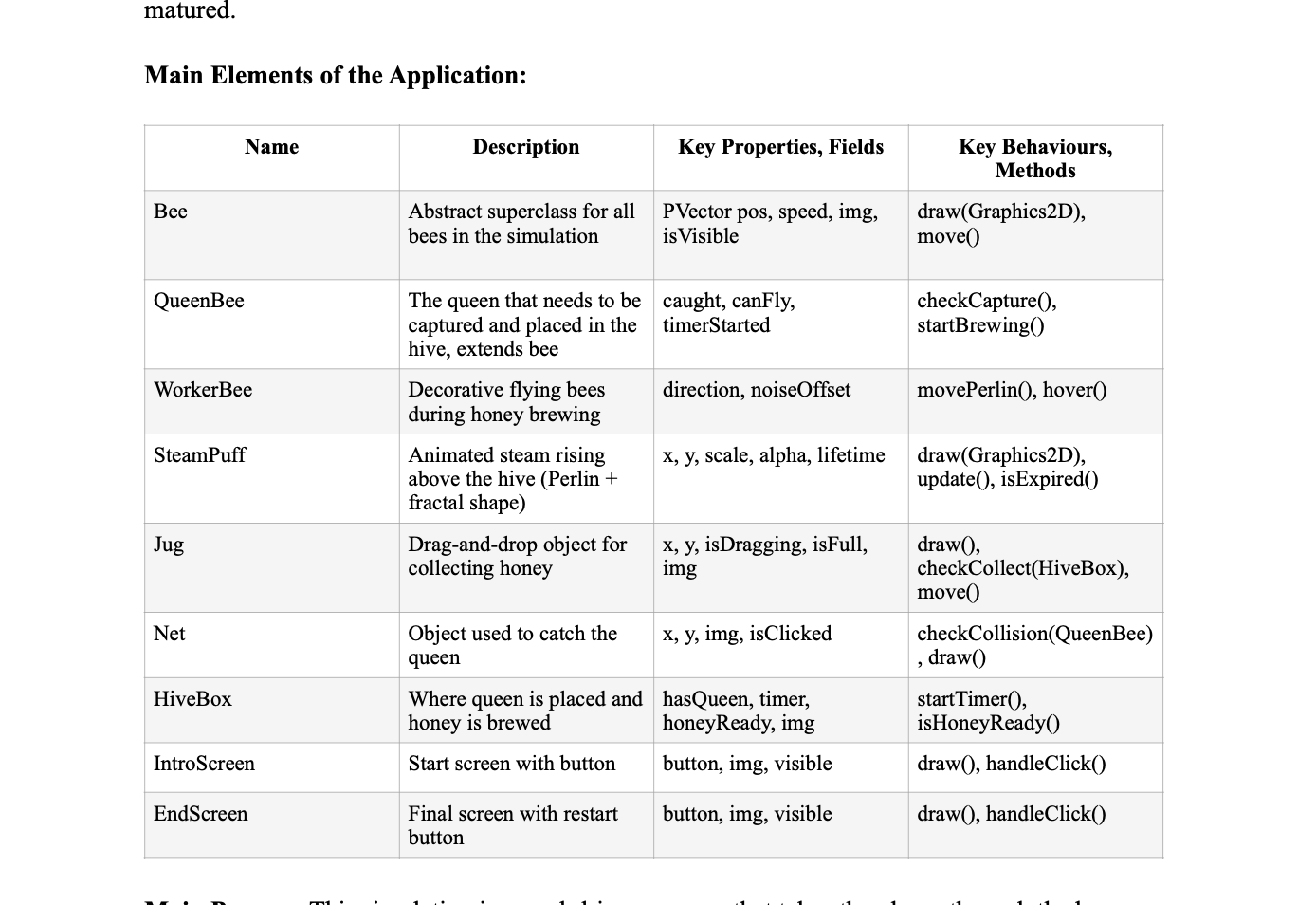
Proposal Document for the Simulation Main elements for the simulation planned out within the proposal document

To begin, once I had finalized the concept for Honey Harvest, I created a proposal document outlining the main user journey steps and a table mapping the code structure. This included identifying core classes, shared methods, and how user interactions would trigger different simulation states. This planning stage established a strong technical foundation and ensured the project stayed organized.
Week 2

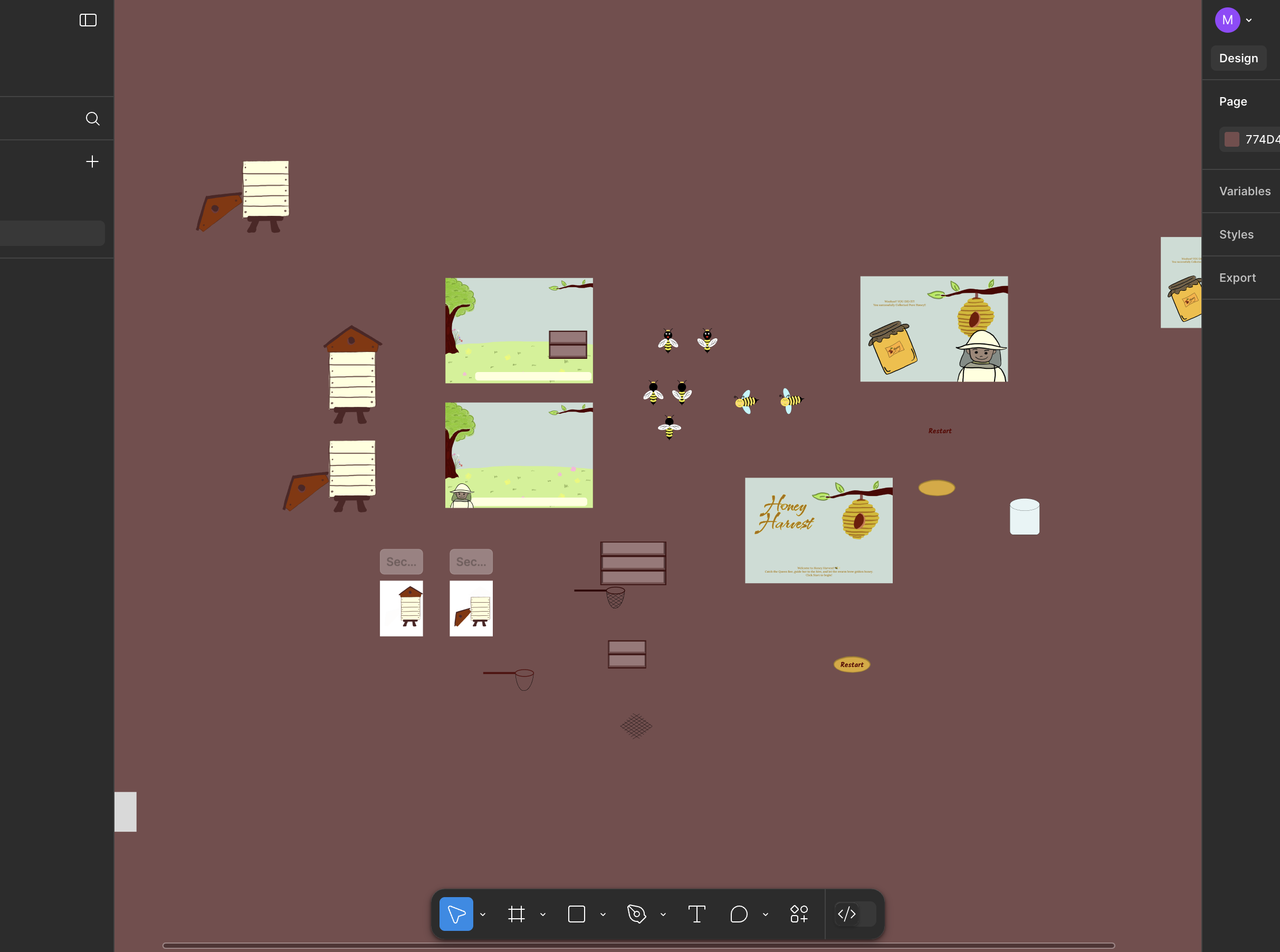
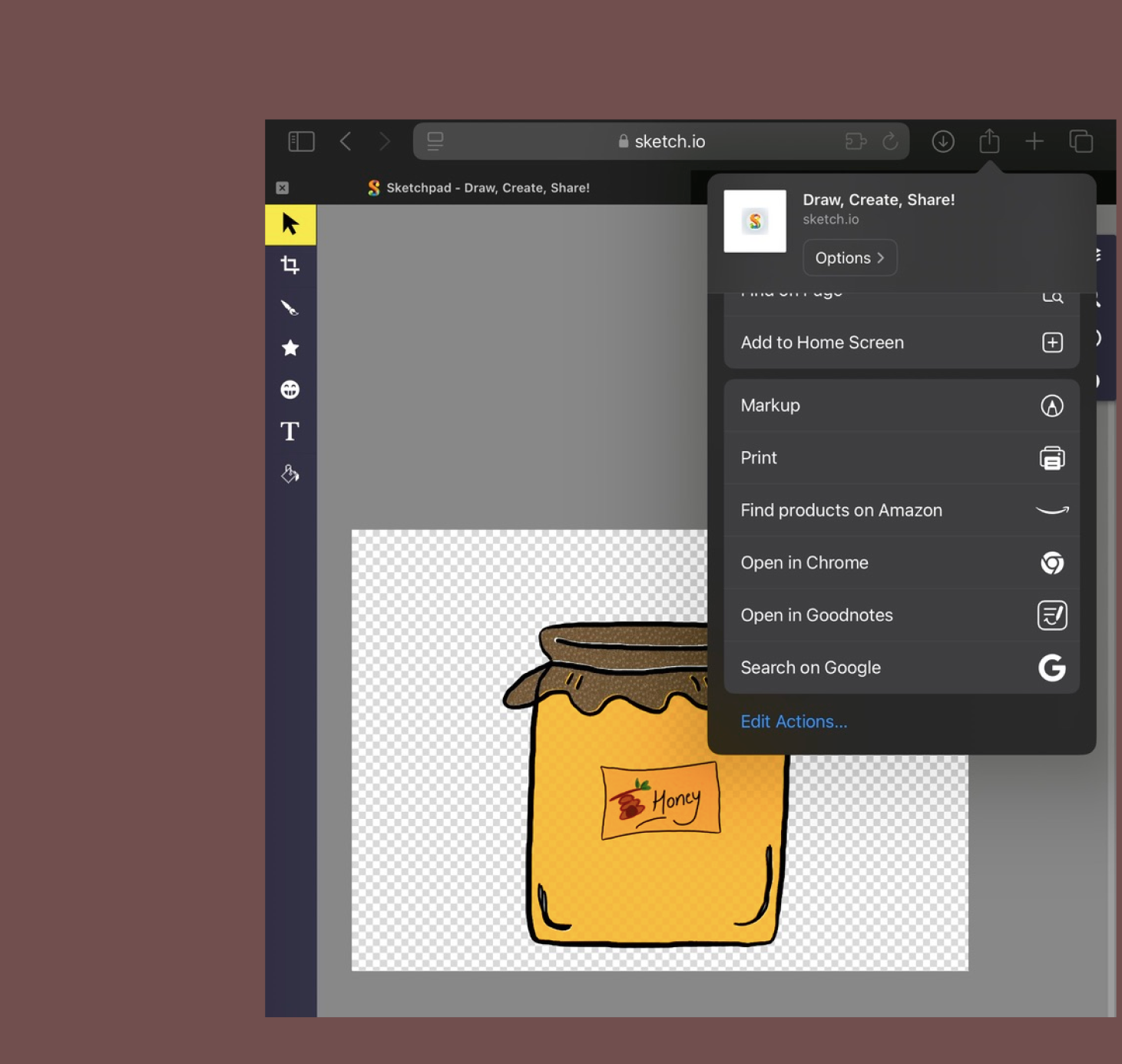
Assets UI elements drawn in Figma UI elements drawn in Sketch.io

Next, I moved into the visual design phase, using Figma and Sketch.io to create key assets, including the queen bee, worker bees, hive box, and start screen UI. I kept the art style playful and simple for clarity and animation flow. For the bees, I hand-drew each animation frame so they could run in sequence, bringing the characters to life.

Week 3 & 4

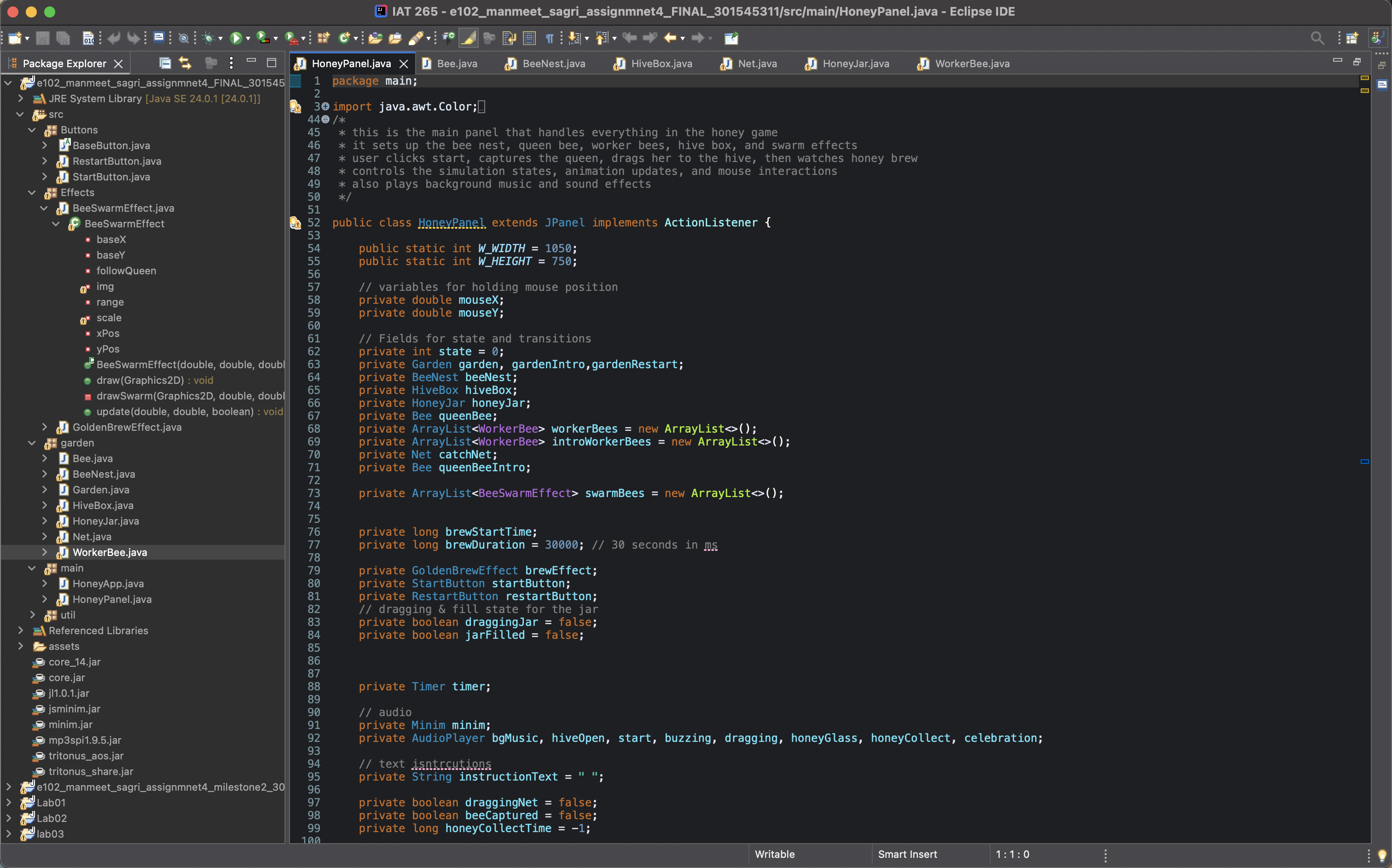
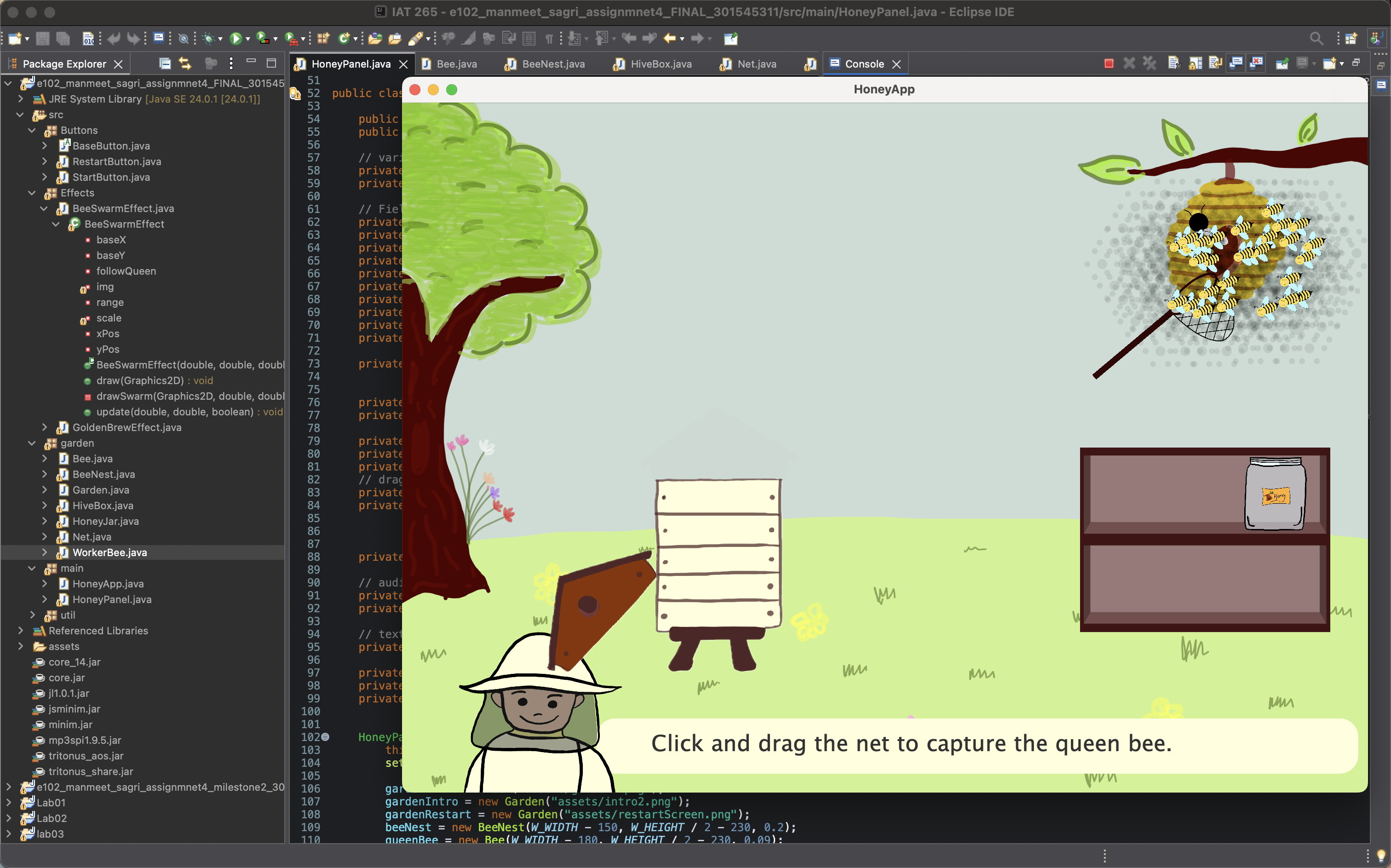
Code Structure of the simulation Testing the simulation

I programmed the simulation using object-oriented Java, applying encapsulation to keep each class cleanly structured. All classes are organized into appropriate packages, with game-specific classes in the garden package and main panels in the main package. Clear comments were added throughout the code to improve readability and maintainability.

After the core features were complete, I refined the user experience. The simulation begins with a clean start screen and UI messaging that guides the player from capturing the queen bee to placing her inside the hive. When the honey is ready, a celebratory message appears with sparkles, a glowing hive, and a restart button so players can enjoy the simulation again.

Challenges and Reflection

One major requirement was to design the UI elements yourself or properly cite external sources. I stepped out of my comfort zone and created all of the visual assets for Honey Harvest. I applied techniques learned from previous group projects and refined them through trial and error until I built assets I was proud of.

For programming challenges, I reached out to my TA whenever I got stuck. Getting feedback helped me solve issues more efficiently and gave me new ideas for improving the simulation. Overall, I learned that stepping outside my comfort zone, managing time well, and iterating based on feedback leads to stronger results.

Watch the full Simulation here!